Screenshots



App details
- Version
- 1.1
- Size
- 631.47 KB
- Updated
- March 12, 2019
- Requires
- Windows Vista
- Language
- English
- License
- Free
- Developer
- Visit Website
- Category
- Windows OS
SoftPas in:
This product is also available in the following languages:
About MushroomKingdom
Download MushroomKingdom – Super Mario themed Firefox add‑on, free & secure
Overview
MushroomKingdom is a whimsical Firefox add‑on that transforms your everyday browsing experience into a playful trip through the iconic world of Super Mario. By swapping the default browser icons with beloved characters such as Mario, Luigi, Goombas, and the fearsome Starman, the extension brings a burst of colour and nostalgia to every tab, toolbar, and pop‑out menu. The theme is not just a static makeover; it reacts to your cursor, making Mario’s eyes follow your mouse and even “fall asleep” when you linger on a page for too long. This interactive touch adds personality without sacrificing performance, keeping the browser lightweight and responsive. Installation is a single‑click process, and the add‑on can be disabled or removed instantly if you decide you need a more subdued look. Whether you’re a lifelong fan of the Mushroom Kingdom or simply enjoy a fresh visual twist, this free tool offers a delightful way to personalize Firefox while keeping the core functionality intact.
Key Features & Interactive Elements
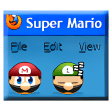
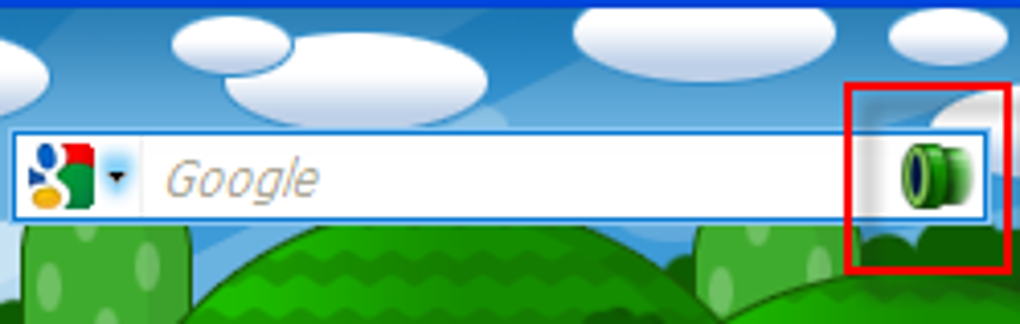
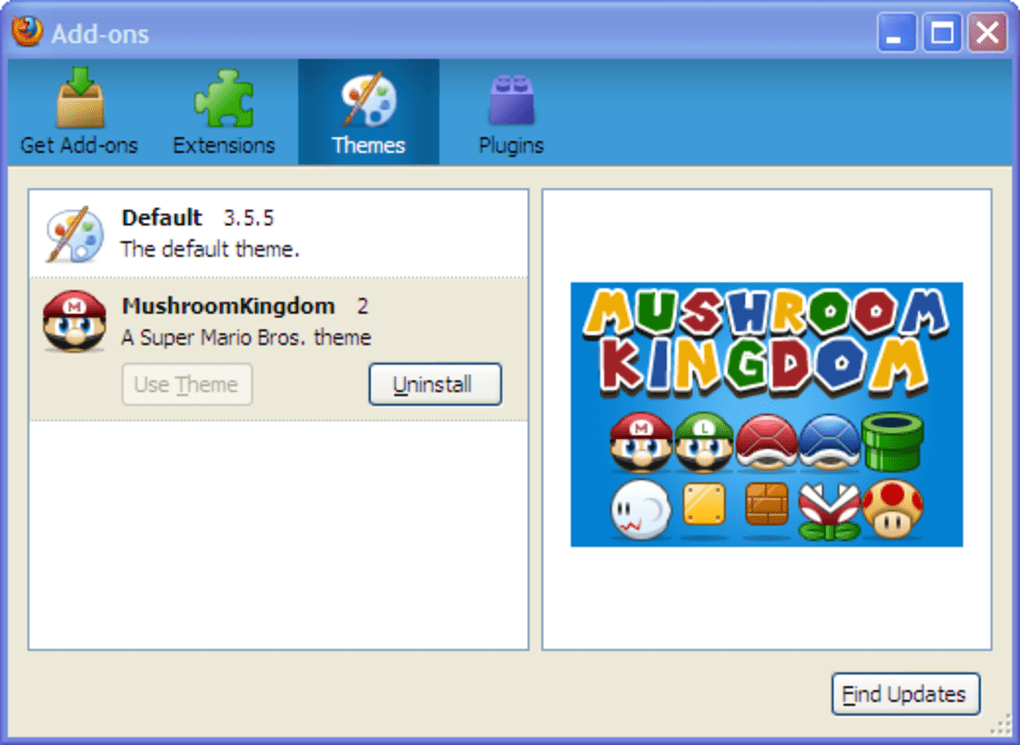
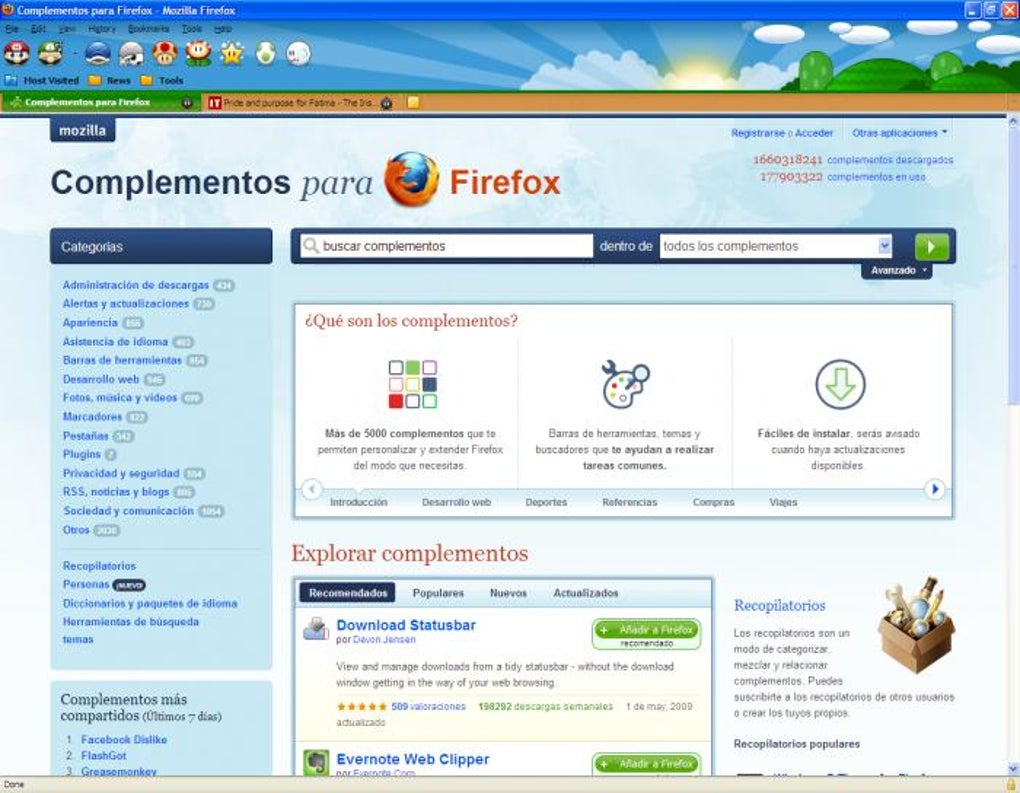
- Full‑screen Mario theme: Replaces all default Firefox icons with animated Super Mario characters, set against a vibrant Mushroom Kingdom backdrop.
- Dynamic cursor interaction: Mario’s eyes track the mouse pointer, creating a playful sense of awareness as you navigate menus.
- Sleep mode animation: When you stay on a page for an extended period, Mario gently drifts to sleep, adding a subtle reminder to take breaks.
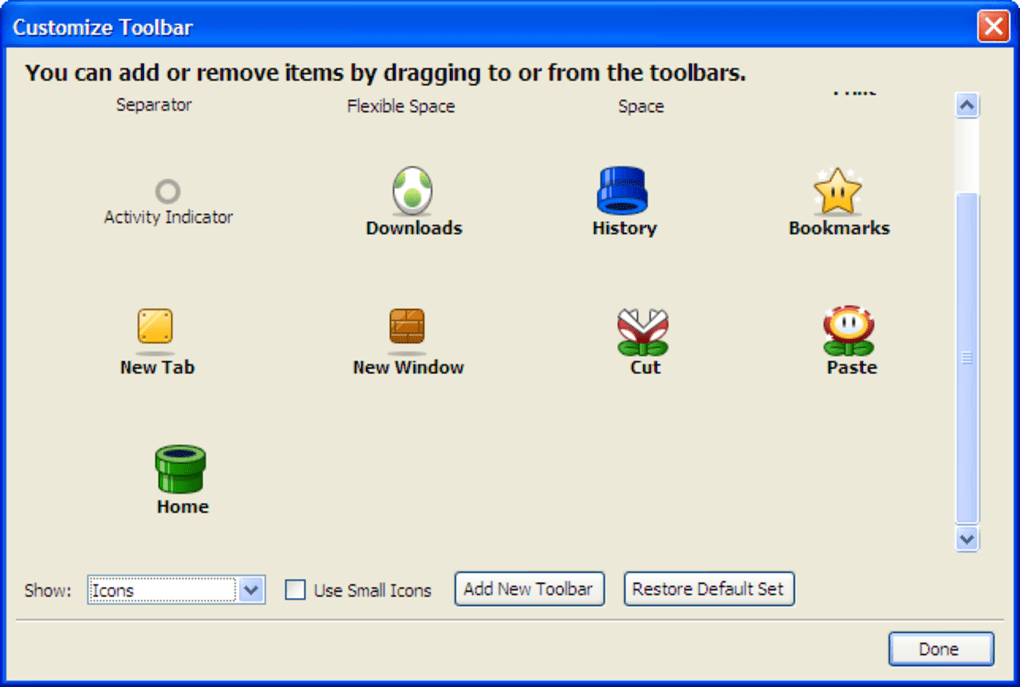
- Customizable character display: Right‑click the toolbar, select “Customize,” and choose which characters appear, allowing you to showcase your favourite heroes.
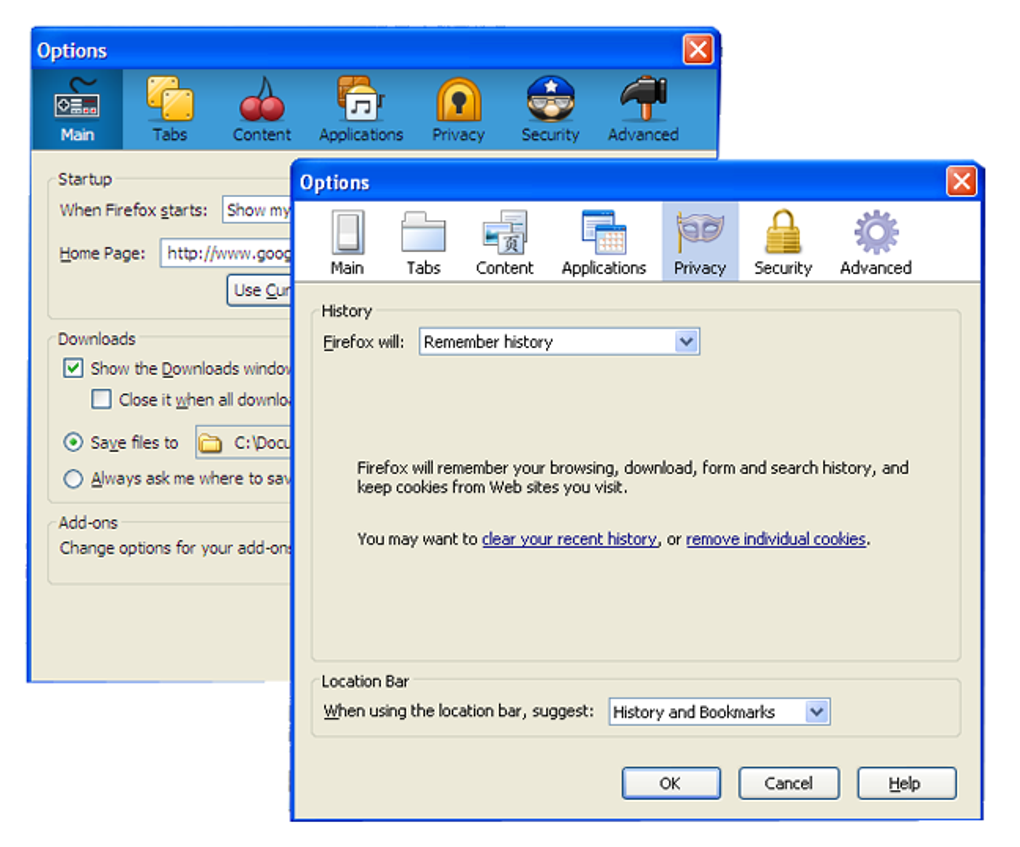
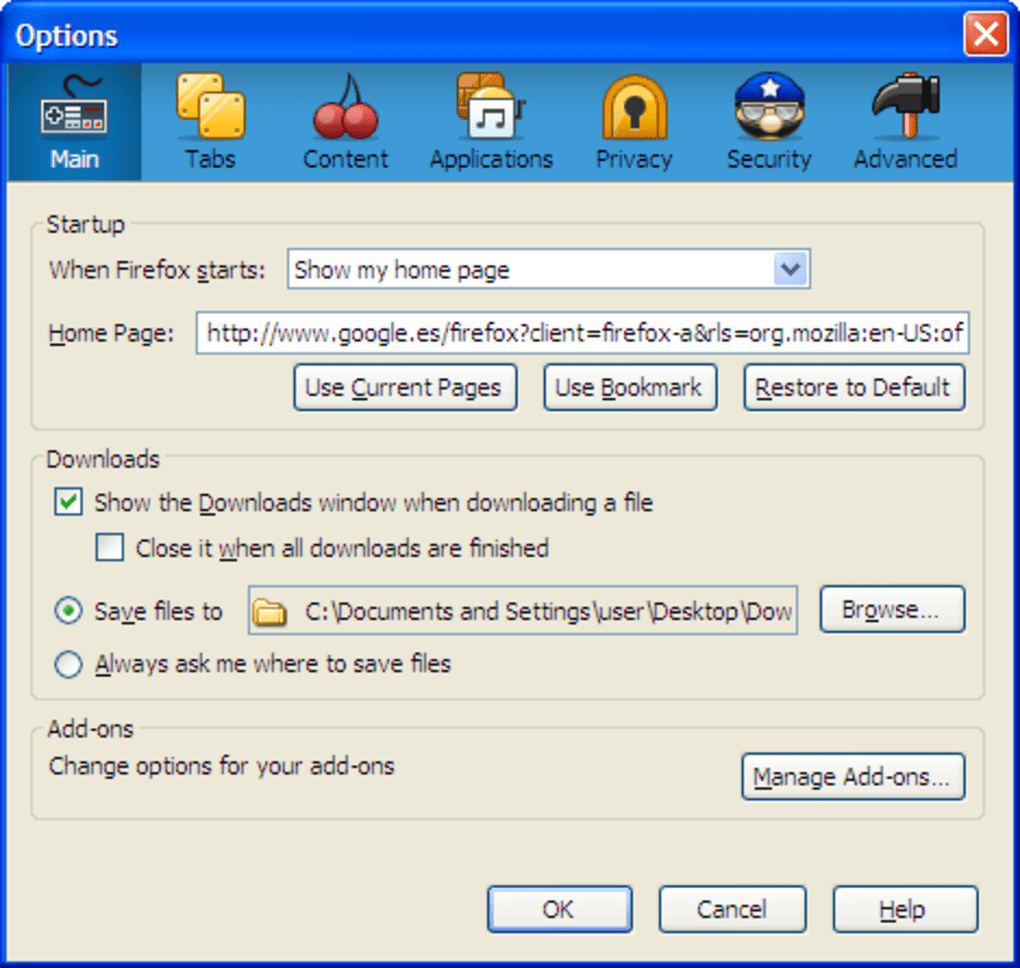
- Seamless integration: The theme extends to pop‑out windows such as Options, History, and Downloads, ensuring a consistent visual experience across the browser.
- Zero‑configuration setup: No complex settings to manage; the add‑on works out‑of‑the‑box while still offering enough flexibility for personal taste.
- Lightweight performance: Despite the rich graphics, MushroomKingdom is optimized for speed, preserving Firefox’s renowned browsing efficiency.
Beyond the visual overhaul, MushroomKingdom respects the principles of accessibility and usability. All icons retain their original tooltip text, so screen readers can still convey their purpose, and keyboard navigation remains unaffected. The extension also respects user privacy; it does not collect personal data or track browsing habits, aligning with Firefox’s strong stance on security. For developers and power users, the add‑on’s source code is publicly available on GitHub, inviting community contributions and transparency. This open‑source ethos ensures that the theme can evolve with future Firefox updates, keeping the experience fresh without compromising stability.
Installation, Usage & Compatibility
Getting MushroomKingdom up and running is straightforward, even for users who are new to Firefox extensions. Follow these steps to download and install the add‑on:
- Open Firefox and navigate to the official MushroomKingdom page on the Mozilla Add‑ons Marketplace.
- Click the “Add to Firefox” button. A confirmation dialog will appear; select “Add” to grant the necessary permissions.
- Firefox will automatically download and install the extension. Once completed, you’ll see a brief notification confirming that MushroomKingdom is active.
- To customize which characters appear, right‑click on the toolbar, choose Customize…, and drag or remove icons from the layout panel.
- If you ever wish to revert to the default Firefox look, go to Menu → Add‑ons and themes → Extensions, locate MushroomKingdom, and click Disable or Remove.
Compatibility is a key strength of this add‑on. MushroomKingdom supports the latest versions of Firefox on Windows 10/11, macOS 12 and later, and Linux distributions that run Firefox ESR. Mobile browsers such as Firefox for Android and iOS do not currently support this extension, as the underlying UI architecture differs significantly from the desktop version. However, the developer has indicated plans to explore a lightweight “MushroomSkin” variant for mobile in future releases.
Once installed, the add‑on works silently in the background. It does not interfere with other extensions, and you can safely combine it with privacy‑focused tools like uBlock Origin or HTTPS Everywhere. The theme automatically updates through Firefox’s built‑in extension updater, ensuring you always have the latest character sprites and bug fixes without manual intervention. If a new Firefox update temporarily disables the theme, a quick restart typically restores full functionality.
Pros, Cons, FAQ & Conclusion
Pros
- Instant visual makeover that brings joy to everyday browsing.
- Interactive animations (eye‑tracking, sleep mode) add a playful dimension.
- Easy installation and one‑click removal; no lingering settings.
- Lightweight and performance‑friendly; no noticeable slowdown.
- Free, open‑source, and regularly updated by the community.
Cons
- Bright colour palette may be distracting for users who prefer a minimalistic UI.
- Not compatible with Firefox mobile browsers (Android/iOS).
- Lacks deep configuration options for advanced users.
- Occasional visual glitches may appear after major Firefox updates (quick fix: restart).
Frequently Asked Questions
Is MushroomKingdom safe to use?
Yes. The extension is reviewed by Mozilla’s Add‑ons team, does not collect personal data, and the source code is publicly available for audit.
Can I customize the background or character set?
You can choose which characters appear via the Firefox Customize toolbar menu, but the background image is fixed to the Mushroom Kingdom theme.
Will the add‑on affect my browsing speed?
MushroomKingdom is optimized for performance and typically adds less than 2 % CPU overhead, which is negligible for modern hardware.
How do I remove the theme if I change my mind?
Open Menu → Add‑ons and themes → Extensions, locate MushroomKingdom, and click Disable or Remove. The original Firefox UI returns instantly.
Is there a mobile version of MushroomKingdom?
Currently, the add‑on works only on desktop Firefox. The developer has expressed interest in a lighter mobile variant, but no release date has been announced.
Conclusion & Call to Action
For anyone who grew up jumping over Goombas or who simply enjoys a splash of colour while browsing, MushroomKingdom delivers an experience that feels both nostalgic and fresh. Its lightweight design ensures that the fun doesn’t come at the cost of speed or security, and the one‑click install process means you can start enjoying the Mario magic in seconds. While the bright theme may not suit every professional environment, the easy toggle makes it a risk‑free experiment. If you’re looking to inject a bit of whimsy into your daily web routine, download MushroomKingdom today and let Mario guide you through the web with his iconic grin.
Guides & Tutorials
How to install MushroomKingdom
- Click the Download button above.
- Once redirected, accept the terms and click Install.
- Wait for the MushroomKingdom download to finish on your device.
How to use MushroomKingdom
This software is primarily used for its core features described above. Open the app after installation to explore its capabilities.
User Reviews
No reviews yet. Be the first to share your experience.
You may also like
more
Llama 2
Free-to-use large language model As the new addition to Meta’s arsenal of langua...

NotebookLM
Revolutionizing the note-taking and idea-generation process NotebookLM is an exp...

Github co pilot
AI-inspired software development and coding platform GitHub Copilot is a browser...

Google Gemma
Google’s lightweight AI models Introducing Google Gemma , a family of cutting-ed...

AI Image Enlarger
A free app for Windows, by ai-image-larger. AI Image Enlarger is a free software...

DALL E
AI-driven text-to-image transformation engine DALL·E is a free graphic and desig...